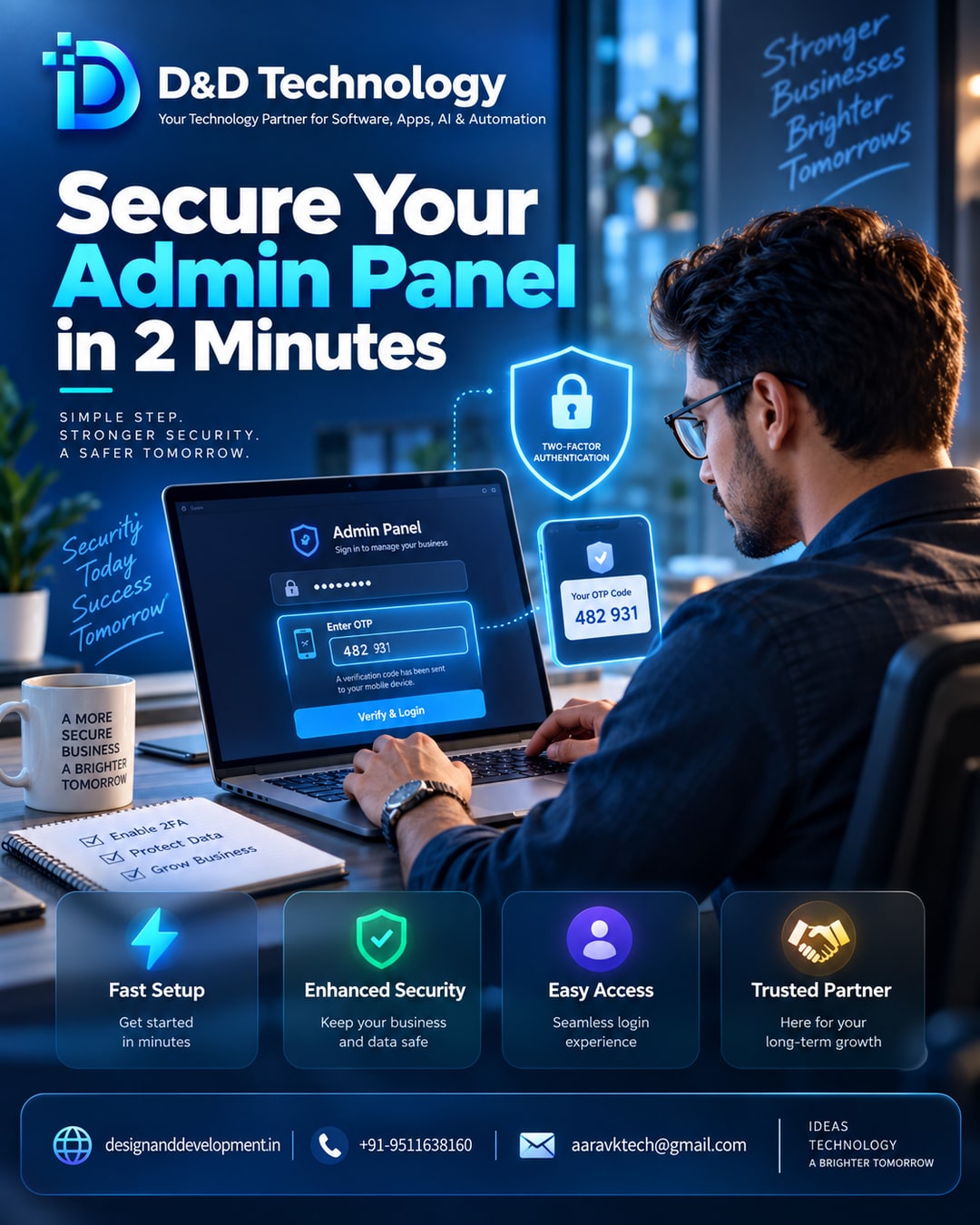
Turn On Two-Factor Login Today: The 2-Minute Fix Most Businesses Skip
If your business runs on any kind of online system — a website admin panel, a CRM, an inventory dashboard, an ERP login — there's a good chance it's protected by just one thing: a password. And that's a problem, because passwords get guessed, reused, leaked, and stolen far more often than business owners realize. Here's the good news: fixing it takes about two minutes, and this article shows you exactly how and why.
Why a password alone isn't enough
Most people reuse passwords across multiple accounts. If even one of those accounts gets breached elsewhere, hackers often try the same email-password combination on business logins, hoping it works. Without a second layer of verification, a single leaked password can hand someone full access to your customer data, orders, invoices, and reports.
What two-factor login actually does
Two-factor authentication, commonly called 2FA, simply adds a second check after the password — usually a one-time code sent to your phone or generated by an authenticator app. Even if someone has your password, they can't get in without that second code. It's a small addition with a big impact on business software security.
Where this matters most for small and growing businesses
Think about the systems your business already depends on: your website's admin dashboard, your CRM where customer data lives, your inventory or accounts panel, your HR and payroll software. Any one of these being compromised isn't just an inconvenience — it can mean lost customer trust, corrupted records, or worse. And most off-the-shelf tools don't turn this on by default; you often have to enable it yourself.
How to actually set it up today
If your software already supports 2FA, it's usually a setting under Security or Account Settings — look for Two-Factor Authentication or Login Verification and switch it on. If your current system doesn't offer this option at all, that's a sign your business software may need an upgrade. Custom-built systems, like the ones D&D Technology develops, are designed with secure authentication built in from day one, not bolted on as an afterthought.
My take
If you're using ready-made software and it has a 2FA option buried in settings, stop reading and go turn it on right now — genuinely, it takes two minutes and there's no downside. But if you've outgrown generic tools, or your current system doesn't support proper security controls at all, that's a bigger signal: it's time to talk to a team that builds software around how your business actually works, security included. Either way, don't leave your business one password away from a bad day.
🌐 designanddevelopment.in · 📞 +91-7296994920 · 📧 aaravktech@gmail.com


Discussion0