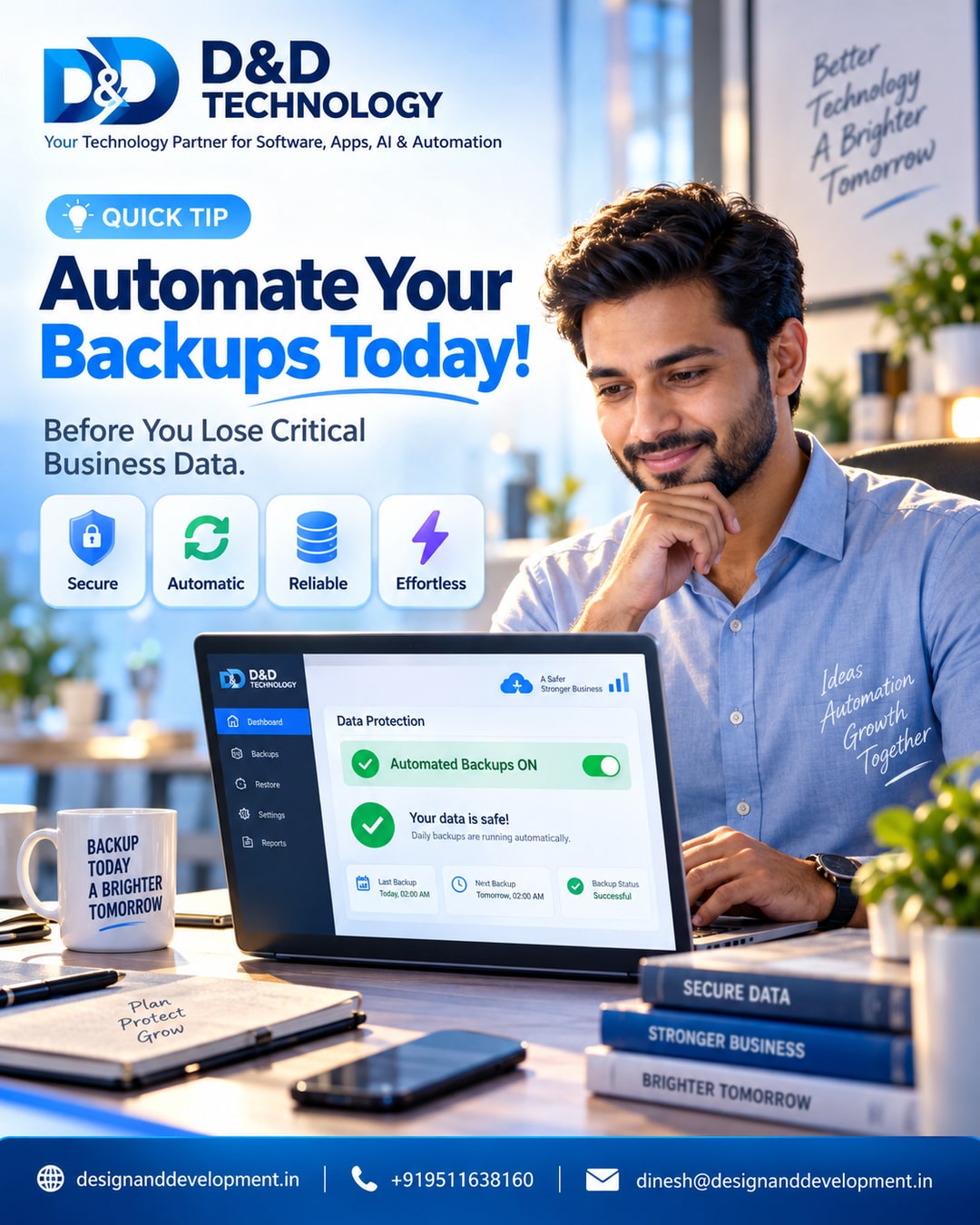
The One Backup Setting Most Small Businesses Forget to Turn On
Here's a scenario that happens more often than you'd think: a laptop dies, a file gets accidentally deleted, or a spreadsheet gets overwritten - and suddenly weeks of sales records, customer details or inventory counts are just gone. If that thought makes you a little uneasy, this quick tip is for you.
Why backups get ignored
Most business owners know backups matter, but it sits low on the priority list because it feels technical or time-consuming. The truth is, once set up properly, it takes zero ongoing effort - the system just does it quietly every day.
What automated backup actually means
Instead of manually saving files or exporting spreadsheets, your business software takes a snapshot of your data - sales, customers, inventory, reports - on a set schedule, usually daily, and stores it securely. If something goes wrong, you restore from the most recent backup instead of starting from scratch.
How to set it up today
If you're using any kind of business software, dashboard or ERP, check for a Backup or Data Recovery section in settings. Turn on automatic scheduling, ideally daily during off-hours. If you're still running your business on spreadsheets and paper files, this is a good moment to ask whether a proper system with built-in backups makes more sense.
What this protects you from
Accidental deletions, hardware failures, corrupted files and even ransomware situations become far less stressful when you have a recent, reliable backup sitting ready. It's the kind of thing you never think about - until the day you desperately need it.
Where D&D Technology fits in
Every custom software, ERP, CRM or business platform we build at D&D Technology includes automated backup and recovery as a standard part of the system, not an optional extra. Whether you're a retailer, manufacturer, agency or startup, your operational data stays protected without you having to think about it.
My take
If you're currently running your business on Excel and WhatsApp with no backup process at all, don't wait for a scare to fix this - even a basic cloud backup routine today is better than nothing. But if you're ready to move beyond spreadsheets entirely, it's worth building a proper business system where backups, security and automation are baked in from the start rather than bolted on later.
🌐 designanddevelopment.in · 📞 +91-7296994920 · 📧 aaravktech@gmail.com


Discussion0