Who Actually Sees Your Business Data - And Should They?
Most small business owners never ask this question until something goes wrong: a staff member views salary details they shouldn't, a delivery boy sees profit margins, or a former employee still has full system access weeks after leaving. If your business software gives every login the same full access, you're not alone - but it's a risk worth fixing.
Why One Login For Everyone Is A Problem
When every employee shares the same access level, there's no boundary between what a sales executive needs to do their job and what only an owner or accountant should see. This isn't just a privacy issue - it also clutters the interface with irrelevant modules, making software harder to use and easier to misuse, intentionally or not.
What Role-Based Access Control Actually Means
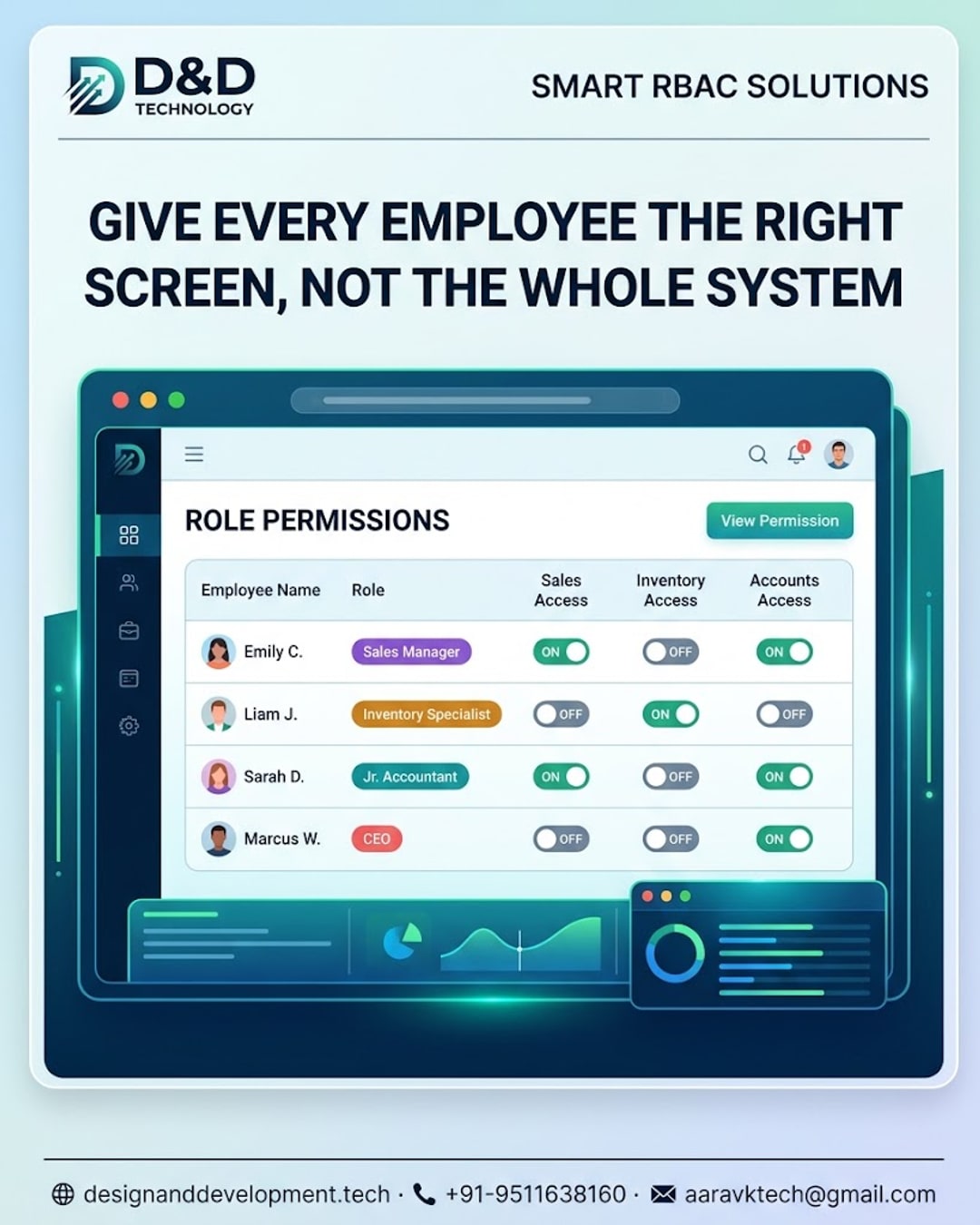
Role-based access control, often shortened to RBAC, means each employee login is tied to a specific role - sales staff, inventory manager, HR, accounts, or admin - and that role determines exactly which modules and data they can view or edit. A sales executive might see leads and customer follow-ups but never purchase costs. An inventory manager sees stock levels but not payroll. The owner or manager retains complete visibility across everything.
How D&D Technology Builds This In
When D&D Technology develops custom software, ERP or CRM systems, access control isn't an afterthought bolted on later - it's part of the core architecture. During the discovery phase, we map out your team structure and decide which roles need which permissions. The result is a system where onboarding a new employee means assigning a role, not manually restricting screens one by one.
Why This Matters More As You Grow
A two-person business might not think twice about shared access. But the moment you cross five, ten, or fifty employees across departments, unrestricted access becomes a genuine liability - for data security, for accountability, and for simply keeping the interface usable. Growing businesses that skip this step often end up retrofitting permissions later, which is far messier than building it in from day one.
Security Beyond Just Convenience
Beyond keeping the interface clean, role-based access also creates a clearer audit trail. When something changes in your records, you know exactly which role - and which person - had the ability to make that change. That accountability alone can save hours of confusion during audits or disputes.
My Take
If you're still running your business on a single shared login, or software where every employee sees every module, that's the first thing worth fixing before you add anything else. It's not an expensive add-on - it's a structural decision that should be part of your custom software from day one. If you're building new software, ask your development partner directly whether role-based access is included in the base architecture, not offered as a costly upgrade later. It's one of those quiet features you don't notice until the day it saves you from a serious problem.
🌐 designanddevelopment.in · 📞 +91-7296994920 · 📧 aaravktech@gmail.com


Discussion0