When a retail or jewellery business switches billing software, the first fear is almost never about features. It's about hardware.
'Will my printer still work?'
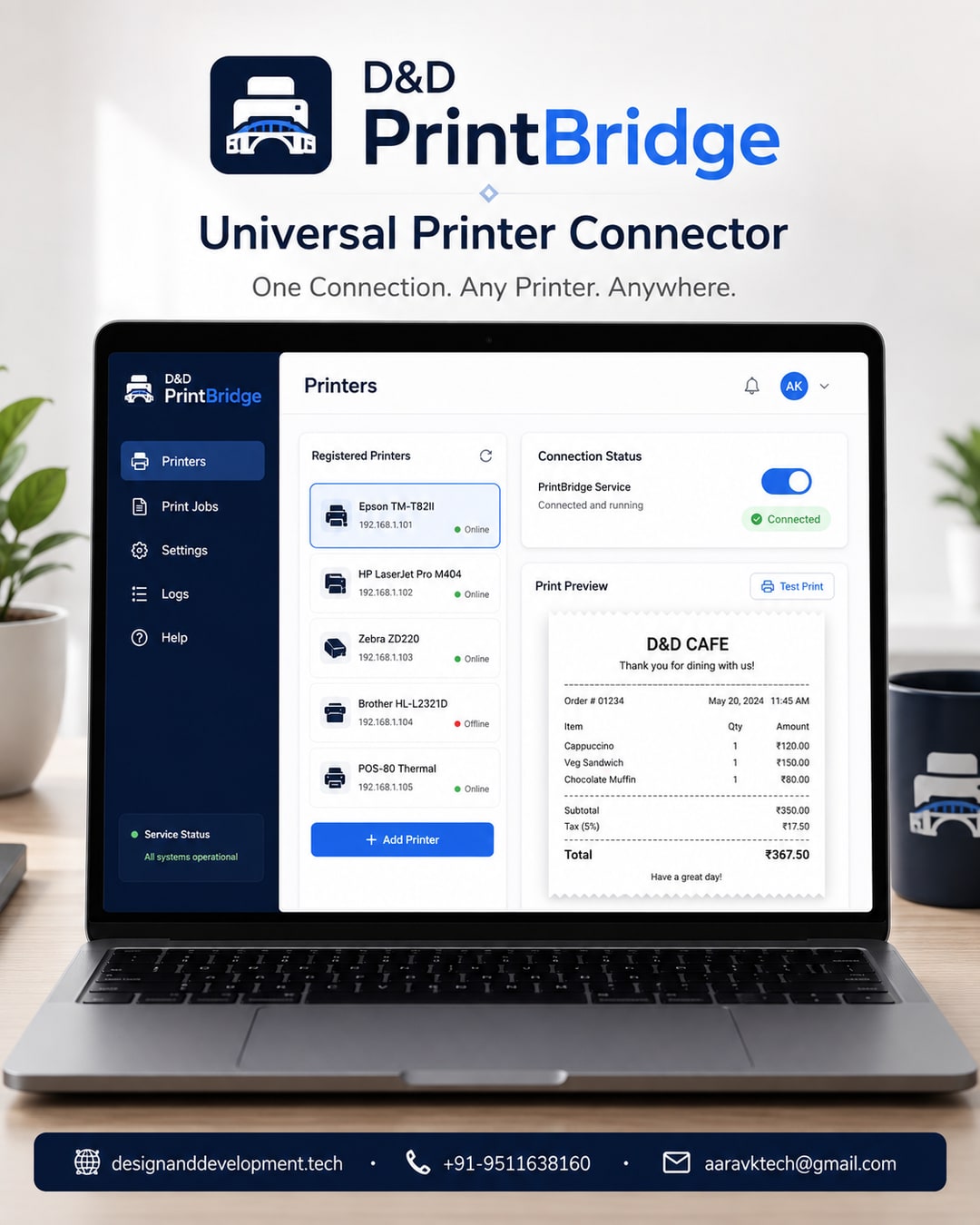
We heard this question so often from shop owners moving to D&D Billing, D&D JewelStock, or D&D Inventory modules that we built a dedicated answer: PrintBridge.
PrintBridge is not a new printer. It is a connector add-on that sits between your existing thermal, label or POS printer and any D&D software module. You keep the hardware you already paid for and trust. You just get it talking to your new system.
How it works is intentionally simple. Once installed, PrintBridge auto-detects printers already connected on your network or via USB. You pick the one you want to use, run a short one-time setup, and from that point every bill, tag or receipt generated inside your D&D software routes straight to that printer. There is a print preview before every job, so nothing goes out wrong or wastes paper.
It works across modules, whether you are printing GST bills from Billing, stock tags from Inventory, or jewellery tags from JewelStock. And because the connection is configured locally, it keeps working even during short internet drops.
The honest use case: PrintBridge is for businesses that already own a printer and don't want to spend on new hardware just because they changed software. It is not meant to replace your printer, only to remove the compatibility wall between old hardware and new systems.
Setup is a one-time ₹2,499 with ₹299/month support, or you can request a custom quote if you're running multiple counters or branches.
If you've ever bought new software and then quietly kept using your old printer with a workaround, disconnecting a cable, restarting a driver, exporting to PDF first, PrintBridge exists to remove that workaround entirely.
🌐 designanddevelopment.in · 📞 +91-7296994920 · 📧 aaravktech@gmail.com


Discussion0